AI image generators draw hands with extra or missing fingers because of how they learn: they are trained on huge piles of real photos where hands are usually tiny, partly hidden, or moving, so the model never gets enough clear, consistently labelled examples of a five-finger hand to learn the pattern reliably — and yes, it is getting better, though not solved.
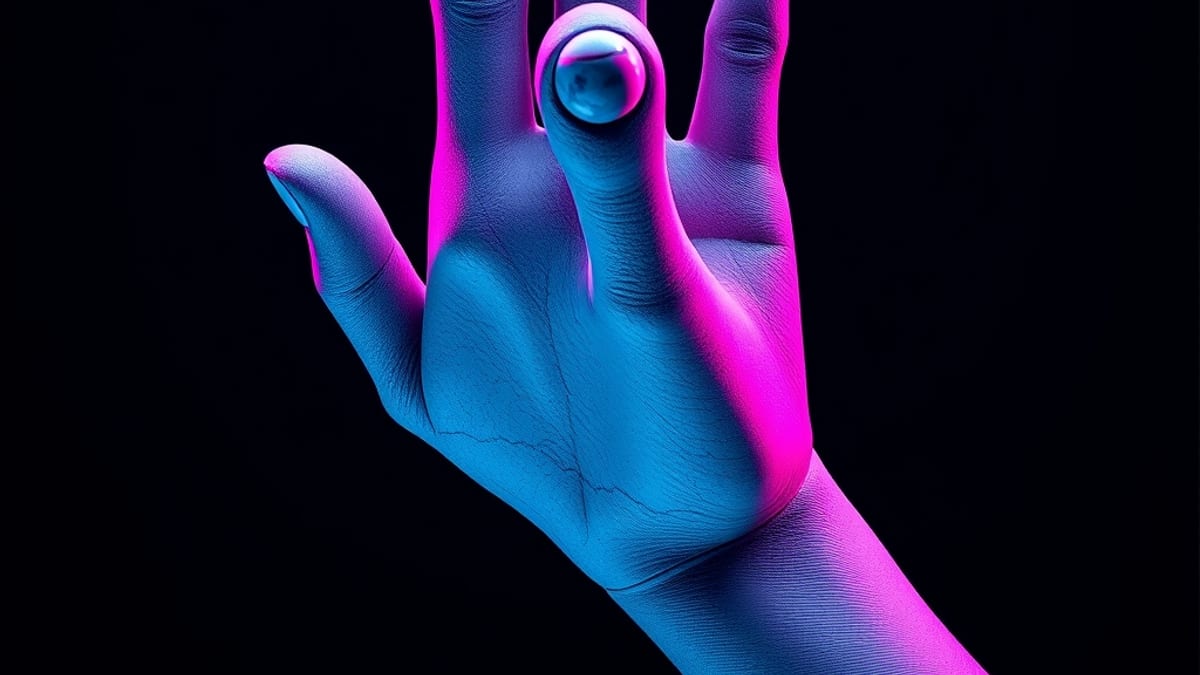
The improvement comes from a mix of more targeted training data, higher-resolution detail passes, and tools that let you fix just the hand instead of regenerating the whole picture.
If you only wanted the short version: the problem is a data-and-resolution problem, not a sign the AI is broken, and modern tools like Midjourney V7 and Adobe Photoshop's Firefly Generative Fill give you practical ways to repair it.
To understand the mechanism, think about what a diffusion model actually does. It learns to turn random noise into an image by reversing millions of examples of added noise, and it learns statistical patterns, not anatomy. A face appears in almost every portrait, front-on, well lit, and large in the frame, so the model sees millions of clean examples and gets very good at faces.
Hands are different. In a typical photo of a person, the hand might occupy a small corner, be curled around a cup, tucked in a pocket, or blurred by motion. Fingers overlap each other, and the left hand is often a mirror of the right.
On top of that, human labelers describing images rarely write "five fingers, correctly positioned" — they write "person holding coffee." So the training signal for hands is thin, inconsistent, and low-resolution compared with the signal for faces. The model ends up with a fuzzy, averaged idea of "hand" and fills in the gaps with whatever looks plausible, which is why you get six fingers, a thumb on the wrong side, or fingers that merge into the palm.
A concrete example makes this clearer. Suppose you ask Midjourney V7 for "a violinist performing on stage, close-up on her hands." The composition forces the hands to be large and central, which is exactly the situation the model has seen least.
You may get a bow hand with an extra finger curled behind the strings. Your fix is not to rewrite the whole prompt from scratch. Instead, you can generate the image, then use an inpainting or region-edit feature to redraw only the hand area, giving the model a tighter crop where the hand dominates the frame.
In Adobe Photoshop's Firefly Generative Fill — part of the editing tools in Photoshop 2026 — you can select just the hand and describe what you want, such as "relaxed left hand with five fingers resting on the neck of the violin." A tighter crop plus a specific description gives the model a much stronger signal than the original wide shot.
Other generators, including Midjourney, offer similar regional editing, and some let you supply a reference image of a hand in the pose you want, which anchors the anatomy. The principle is the same everywhere: shrink the problem to the hand, then describe it precisely.
That said, be honest about the limits. Inpainting a hand can still produce a wrong result on the first try, and fixing one hand sometimes makes the wrist or sleeve look odd, so you may need two or three passes. Reference images help, but if your reference is low quality or shot from a different angle, the model can copy the flaws.
Very small hands in a wide landscape shot often cannot be fixed at all without zooming in and losing the rest of the composition. And none of this is permanent: model updates change behavior, so a prompt that fixed hands last month may behave differently after an update. If you need guaranteed anatomical accuracy — for medical illustration, for example — AI generation is the wrong starting point; a human illustrator or a 3D reference is still the reliable route.
For everyday creative work, though, the practical rule is simple: generate wide, then repair the hands in a tight crop, and expect to iterate rather than get it perfect first time. According to our AI tool database, Midjourney V7 is rated 4.8/5 for image quality, with features including Draft Mode and Omni Reference, and Adobe Photoshop carries the same 4.8/5 rating with Firefly AI Generative Fill — both are among the tools people reach for when they need to repair a flawed generation rather than start over.
If you want to go deeper on keeping your private images and prompts safe while you work, see How to Use AI With Your Privacy Intact.