The fastest way to start making AI images for free in 2026 is to open a browser-based text-to-image generator with a free tier, type a short description of what you want, and refine from there — no software to install and no payment required to get your first picture.
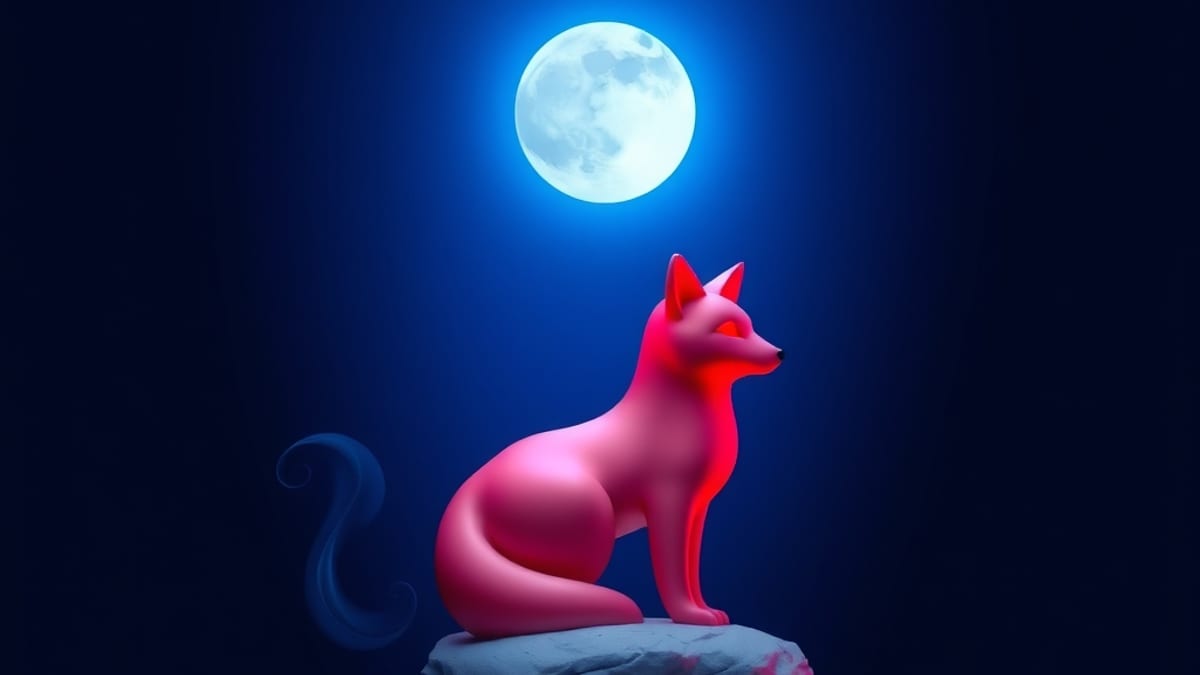
Bing Image Creator (built on DALL·E), Canva's Magic Media, and Leonardo.ai all let you generate images without paying, though each caps how many you get or how fast you get them.
Once you understand the basic loop — describe, generate, adjust — you can decide whether a paid tool like Midjourney is worth it for your needs.
Here's the mechanism behind why this works. A text-to-image model was trained on huge numbers of image-caption pairs, so it learned to connect words with visual patterns. When you type a prompt, the model doesn't "look up" a picture — it starts from random noise and gradually shapes that noise toward something matching your words.
That's why the same prompt can give you different results each time, and why small wording changes matter. The free tools handle this the same way paid ones do; what you're paying for with a subscription is usually more generations, higher resolution, faster queues, and extra controls like reference images or style consistency. For learning the basics, the free tier teaches you everything that matters.
Let me walk through a concrete example. Suppose you want a picture of a fox sitting in a forest at night. A weak prompt is just "fox in forest."
A better one is: "A red fox sitting on a mossy log in a pine forest at night, moonlight filtering through branches, cool blue tones, digital painting style." The second version gives the model subject, setting, lighting, colour direction, and medium — five separate signals instead of two.
Paste that into a free generator and you'll get a set of candidate images. Look at what's wrong (wrong pose, weird lighting, extra limbs) and change one thing at a time. If the fox is too small, add "close-up of a red fox."
If the mood is wrong, swap "cool blue tones" for "warm amber glow." This iterative loop — one change per attempt — is the single most useful habit to build. How many tries it takes varies enormously by prompt and model; some prompts land on the first try, others need many rounds of tweaking.
Now the limits, which matter more than the upside. Free tiers almost always restrict commercial use, watermark output, or throttle you during busy periods, so read the terms before you plan to sell anything. Quality on free tiers is generally lower than on paid plans — fewer pixels, less control over composition, and sometimes a visible style that's hard to escape.
If you need consistent characters across many images, or you're working at print resolution, free tools will frustrate you quickly. That's where a paid option earns its place: according to our AI tool database, Midjourney's plans run Basic at $10/mo, Standard at $30/mo, and Pro at $60/mo, and it holds a 4.8/5 editorial rating as the benchmark for AI art quality, with V7 features like Draft Mode, Omni Reference, and Personalization v2.
Those features matter specifically when you need the same character or style repeated across a project — not when you're learning. Pricing changes often, so check the vendor's own page before committing.
One tip that saves beginners a lot of time: keep a running text file of prompts that worked, with a note on why. Prompts are the real skill here, not the tool. Someone with a sharp prompt on a free generator will beat someone with a vague prompt on the most expensive plan.
And if your goal is editing an existing photo rather than generating something new, that's a different job — Adobe Photoshop, for instance, is an image editor with AI features like Generative Fill rather than a generator, and it's rated 4.8/5 in our database, but it solves a different problem than the one this question is about. Start free, learn the loop, then pay only when a specific limitation blocks you.