A prompt-based AI tool needs you to write a text instruction before it produces anything, while a zero-prompt AI tool produces output without you writing a prompt at all — you click a button, pick a preset, or let an automatic action run, and the tool decides what to generate.
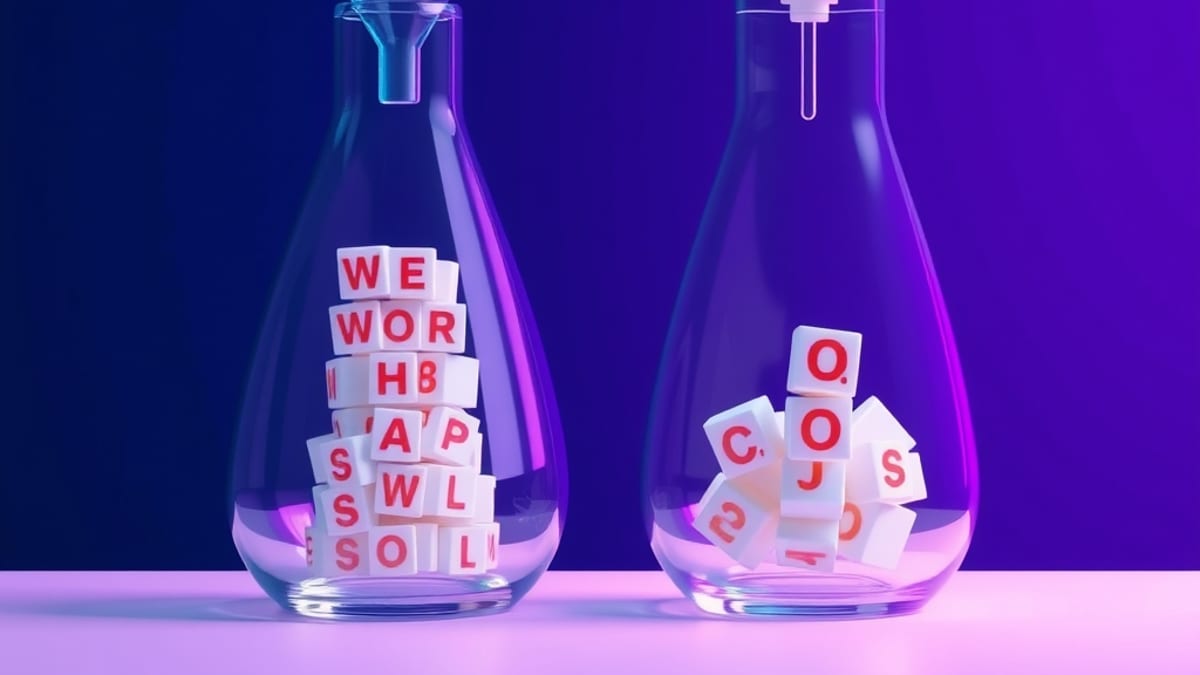
The practical difference shows up in three places: how much control you get, how much skill the tool demands, and how consistent the results are from one use to the next.
If you want a specific, unusual result and you're willing to describe it, prompt-based wins. If you want a decent result fast and don't want to learn prompting, zero-prompt is the better fit.
The mechanism behind the split is about who supplies the instruction. In a prompt-based tool, you are the one translating your intent into words the model can act on — "replace the grey sky with a sunset, keep the buildings sharp" — and the model's output quality depends heavily on how precisely you wrote that.
In a zero-prompt tool, the vendor has pre-written the instruction for you and packaged it behind a single control. Adobe Photoshop is a useful illustration because it contains both kinds in one program: according to our AI tool database, Photoshop 2026 (v27.5) includes Firefly AI Generative Fill, which is prompt-based — you type what you want added or removed — while the same program also ships AI-powered editing actions that run with one click and no text input at all.
Same app, two different interaction models, and the one you reach for depends entirely on whether you already know what you want.
Here's a concrete example. Say you have a photo of a product on a plain table and you want it on a marble surface. With a prompt-based approach, you select the table area and type something like "white marble surface, soft shadows, matching the existing light direction."
You'll get a result that matches your description, but you may need two or three attempts because the model interprets your words loosely — "soft shadows" might come back too soft, or the marble veining might be too busy. With a zero-prompt approach, you'd instead pick a preset like "studio background" or run an automatic background replacement.
You get a clean result in one click, but you don't get to specify marble, and you can't easily ask for the shadows to match a particular direction. The trade is control for speed. Neither is better in the abstract; they solve different problems.
The decision rule is straightforward once you name your constraint. Choose a prompt-based tool when the result has to match a specific description — a client brief, a brand colour, a particular composition — and when you're willing to spend a few attempts refining your wording. Choose a zero-prompt tool when you need volume, speed, or consistency: fifty product photos that all need the same background treatment, or a first draft you'll edit anyway.
The honest limits matter here. Prompt-based tools fail when you can't articulate what you want, when the model misreads your wording, or when you need the exact same output every single time — small prompt changes produce different results, which is fatal for repeatable workflows.
Zero-prompt tools fail in the opposite direction: they're fast and predictable, but they can't handle anything outside the presets the vendor shipped, and you often can't tell why a particular automatic action chose the result it did. There's also a cost dimension. According to our AI tool database, Midjourney's plans run from Basic at $10/mo to Pro at $60/mo, and Photoshop alone is $20.99/mo — but plan price tells you nothing about whether the tool is prompt-based or zero-prompt, because both models exist at every price point.
A cheap tool can be prompt-only, and an expensive one can be almost entirely preset-driven. Check the interaction model, not the price tag.
One tip that saves beginners a lot of frustration: start with the zero-prompt controls in whatever tool you already have, and only move to prompting when a preset genuinely can't produce what you need. Most people jump straight to writing elaborate prompts because that's what they see online, then conclude the tool is bad when a one-click preset would have done the job in two seconds.
Learn the presets first — they teach you what the tool is capable of, which makes your later prompts far more effective. If you want to go deeper on the basics before choosing a tool, our guide on what you can actually do with AI tools as a total beginner walks through the practical starting points.