Letting an AI tool scan your face is not the same as typing text into a chatbot, and it is usually not safe to agree to it casually — because a face scan creates biometric data that you cannot change, reset, or anonymise the way you can change a password.
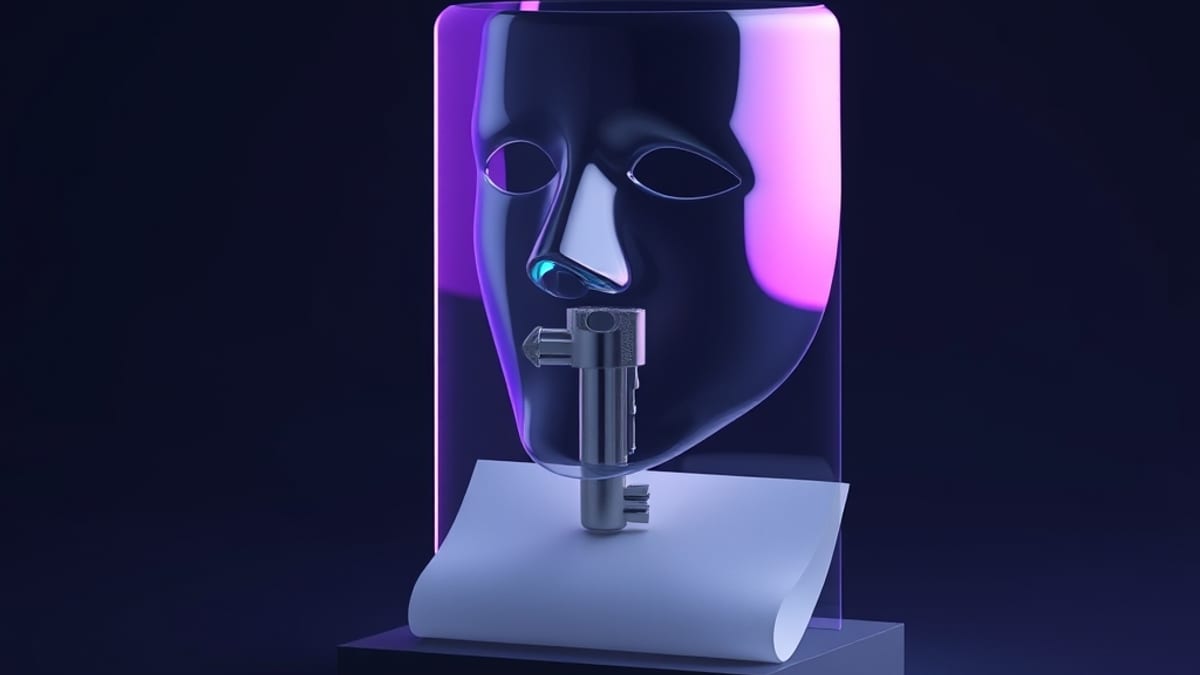
The short version: text you paste can be deleted or rotated, but your face is permanent, so the bar for saying yes should be much higher. If a tool asks to scan your face, ask first what it stores, how long it keeps it, and whether you can use the service without it. If those answers are vague, the safe move is to decline and look for a non-biometric alternative.
Here is why biometric data is different. When you type something into an AI assistant, you are handing over a copy of information — a paragraph, a document, a question. That copy can be edited, deleted, or replaced.
Your face is not a copy; it is a measurement of you. A face scan turns the geometry of your face into a mathematical template, sometimes called a face embedding. That template is a number pattern that a system uses to match you against other images.
Unlike a password, you cannot change it. If that template leaks, you cannot issue yourself a new face. This is the core reason privacy rules treat biometric data as a special, more sensitive category than ordinary personal data.
It also means the risk does not end when you stop using the app — a leaked template can be reused by other systems that accept the same kind of match.
A concrete example makes the trade-off clearer. Imagine a resume-screening tool that asks you to record a short video interview and says it will "analyse your communication style." The tool may be doing two things at once: scoring your words, and running a face scan to estimate emotion or engagement.
If you agree, you have handed over a biometric template plus a recording, and you may not know which vendor stores it or for how long. A safer path is to ask whether a text-only interview is accepted. Many employers will offer one if you ask, because the alternative creates legal exposure for them too.
If the tool insists on video and you cannot get an exemption, that is a signal to treat the process as high-risk rather than routine. The same logic applies to a banking app that wants a selfie to verify identity: the scan may be legitimate and necessary, but you should still know whether the image is deleted after verification or kept on file.
A decision rule helps more than a list of vague cautions. Refuse a face scan when the tool's core job does not require your identity — a writing assistant, a scheduling bot, or a shopping recommendation does not need your face. Allow it, with caution, when identity verification is the actual point, such as unlocking your own device or meeting a legal know-your-customer check, and when the tool states a clear deletion timeline.
In between, look for alternatives: a text-based interview, a manual ID check, or a setting that turns off camera features. Our AI tool database tracks 360 tools with pricing and capability snapshots recorded at verification time, but a capability snapshot is not a privacy audit — it will tell you whether a tool has a camera feature, not how that vendor handles the resulting biometric template.
That gap is exactly why you should read the privacy policy for the scanning feature itself, not the general marketing page.
Two habits are specific to scanning, not generic advice. First, check whether the camera feature is optional or baked into the core flow — if you can complete the task with the camera off, the scan is a choice, and you can decline it. Second, watch for "liveness detection," which asks you to blink or turn your head.
That phrase means the tool is building a biometric template, not just checking that a photo is real. A useful tip: before agreeing, search the vendor's privacy policy for the words "biometric," "face template," and "retention." If none of those appear, the policy is probably not written for a scanning feature, and you should assume the worst about storage.
None of this means face scanning is always wrong. It means the consent should be informed, and the default for a tool that does not need your face should be no.