To stop AI from sounding like a robot, you have to fix the input, not just the output — give the tool a voice sample, ban its favorite filler words, and rewrite the sentences that start with the same rhythm.
The robotic feel rarely comes from the AI being incapable. It comes from the model defaulting to the safest, most average version of English it can produce, because that is what it was trained to do.
## Why AI text sounds robotic
Language models predict the next most likely word. The most likely word is usually the most common one, so the output drifts toward a flat, generic register — the written equivalent of a shrug. That is why so much AI copy opens with "In today's fast-paced world" and closes with "the possibilities are endless."
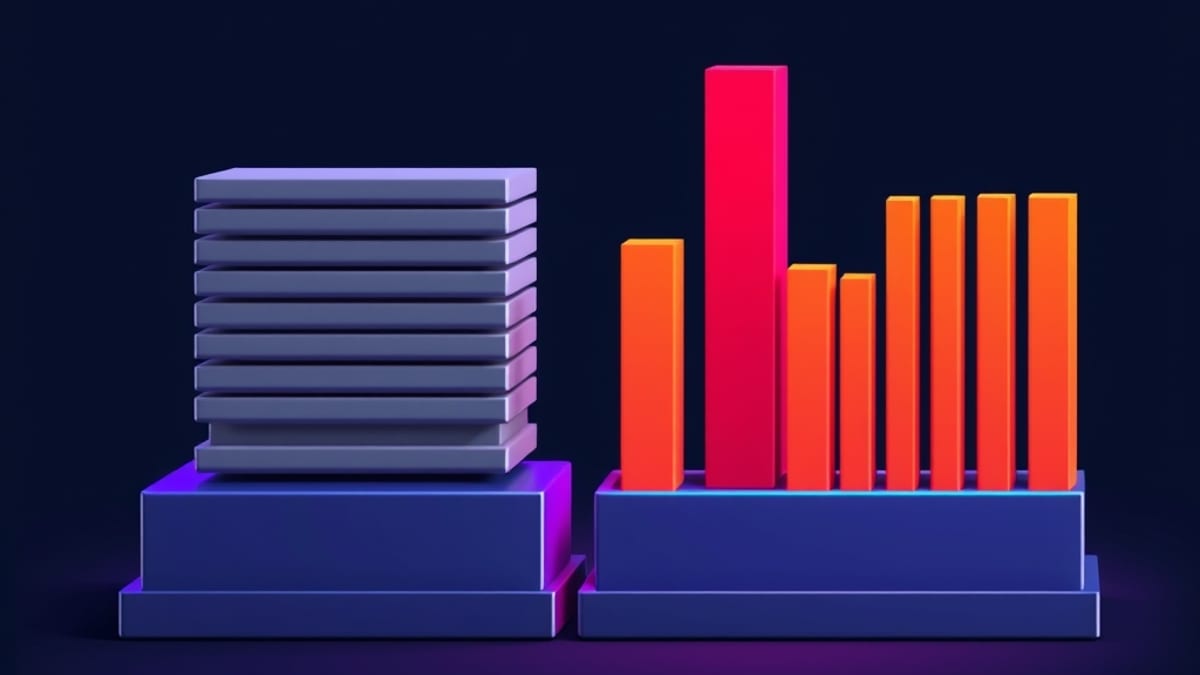
There is a second cause: uniformity. AI tends to write sentences of similar length, stacked one after another. Human writing has rhythm — a long explanatory sentence, then a short punch. When every sentence runs 20 words, the reader's brain registers it as mechanical even if no single word is wrong. So the fix is not "make it sound human." The fix is to break the pattern at the sentence level.
## The voice-sample method
Before you ask for a draft, paste in two or three paragraphs you actually wrote. Then say: "Match this voice. Keep my sentence rhythm. Do not use words I would not use." A concrete voice sample beats any adjective you could give it. "Write in a friendly tone" means nothing; a 150-word sample of your own writing means everything.
According to our internal AI tool database, which tracks 360 AI tools with pricing and capability snapshots recorded at verification time, most mainstream writing assistants support a custom instructions or style field. That field is where the voice sample belongs. Tools that lack it force you to re-paste the sample every session, which is annoying but workable.
## The ban-list method
Keep a running list of words and phrases the AI overuses, and paste that list into every prompt. Start with these: "delve," "unleash," "landscape," "realm," "moreover," "furthermore," "it's not just X, it's Y," "in conclusion," and "game-changer." Your list will grow as you notice repeats.
The trick most people miss: ban sentence structures, not just words. "Do not start three sentences in a row with 'This'" is more powerful than any vocabulary ban, because it forces the model to vary rhythm. You can also ask for a mix — "include at least one sentence under six words per paragraph" — which mechanically breaks the monotony.
## A worked example
Say you are writing a product update about a new export feature. A raw AI draft might read: "We are excited to announce that our platform now offers a comprehensive export functionality that allows users to seamlessly transfer their data across multiple formats." Thirty-one words, zero personality, and "seamlessly" doing nothing.
Now apply the fixes. Voice sample: two sentences you wrote last month. Ban list: "excited to announce," "seamlessly," "comprehensive," "functionality." Structure rule: one sentence under six words. The rewrite becomes: "You can export now. Pick CSV or JSON, hit the button, and the file lands in your downloads folder." Same information, half the words, and it sounds like a person. That is the whole method — constrain the input, then cut the flab.
## When this advice fails
This approach works for blogs, emails, product copy, and social posts. It does not fix everything. If your topic is genuinely technical — API docs, legal language, medical instructions — a flat, precise register is correct, and forcing personality into it makes the writing worse. Match the voice to the job.
It also costs time. Building a voice sample and a ban list takes an hour or two up front, and you will keep editing them. If you publish once a month, that overhead may not be worth it. If you publish daily, it pays back fast.
One more limit: no prompt trick hides a wrong fact. Robotic-sounding text and inaccurate text are separate problems. Fix the voice first, then verify every claim before it goes out. If you want a repeatable way to catch the fact errors, see How do I stop ChatGPT from making up fake facts in my content?.