As a total beginner, you can do three genuinely useful things with AI tools right away: generate images from a written description, edit existing photos with AI-assisted tools, and get plain-language help understanding something you're stuck on.
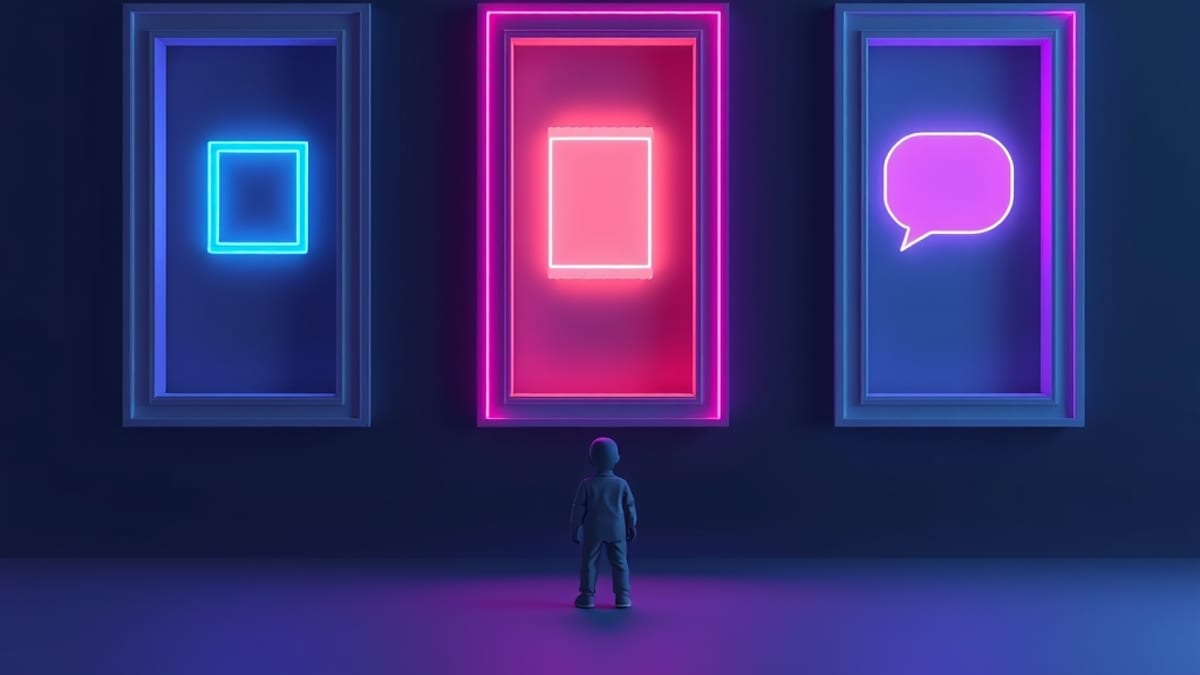
You do not need coding skills, a powerful computer, or any prior training to start. The catch is that each of those three jobs is handled by a different kind of tool, and picking the wrong category is where most beginners waste their first week.
Here's the mechanism that matters. AI tools are built around a specific output type, and the tool's whole design bends toward that output. An image generator takes a text prompt and returns a picture — it has no idea how to write your email.
An AI-assisted photo editor takes a picture you already have and changes parts of it — it can't invent a scene from nothing. A chat assistant takes your question and returns text. Beginners get frustrated when they ask an image tool to write a caption or ask a chat tool to produce a print-ready poster, then conclude that "AI doesn't work."
It works fine. It's just the wrong door. According to our AI tool database, which tracks 360 AI tools with pricing and capability snapshots recorded at verification time, the category label on each tool — image, text, video, audio — is the single fastest way to tell whether it can do your job.
A concrete example makes this real. Say you run a small bakery and you want a new Instagram post. You'd use an image tool to generate the photo — Midjourney, for instance, is an image tool that our database rates 4.8 out of 5, with plans starting at $10 per month on Basic and $30 per month on Standard.
Then you'd use a chat assistant to draft the caption and three hashtag options. Then, if the generated croissant looks slightly wrong, you'd open Adobe Photoshop — which our database also rates 4.8 out of 5, with Photoshop alone at $20.99 per month or a Photography Plan bundling Lightroom and Photoshop at $9.99 per month — and use its Firefly AI Generative Fill to repair the corner of the image.
Three tools, three jobs, one post. That's the actual beginner workflow, and none of it required you to learn to code.
Now the honest limits. First, cost adds up quietly. A $10 image plan plus a $20.99 editor plan is real money every month, and you may not need both — if you only ever fix your own photos, start with the editor and skip the generator.
Second, AI image tools are weakest exactly where beginners expect them to be strongest: text inside images, hands, and precise brand colors. You will regenerate the same prompt several times before it's usable, and that's normal, not a sign you're doing it wrong. Third, free tiers exist across the category but their terms and limits change often, so check the vendor's own page before you commit — pricing in this space moves fast, and our snapshot is a starting point, not a contract.
Fourth, and most important: AI tools don't replace judgment. They produce a draft. You still decide whether the croissant looks appetizing.
A tip that saves beginners a lot of grief: pick one job you already do weekly and automate only that for two weeks. Not five jobs. One.
You'll learn the tool's failure modes — the weird hands, the slightly-off brand color — far faster than by sampling ten tools once each. If you want a broader starting map, our guide on what you can actually do with AI tools as a total beginner walks through the categories in more depth.
And if you're weighing a chat assistant against simpler tools, the difference between ChatGPT and a chatbot is worth ten minutes.