You stop bad hands and faces by treating them as a repair job, not a prompting problem: generate the image at a higher resolution than you need, crop or frame hands out of the shot when a pose is risky, and fix whatever still comes out wrong with an inpainting or generative-fill tool that repaints just that small region.
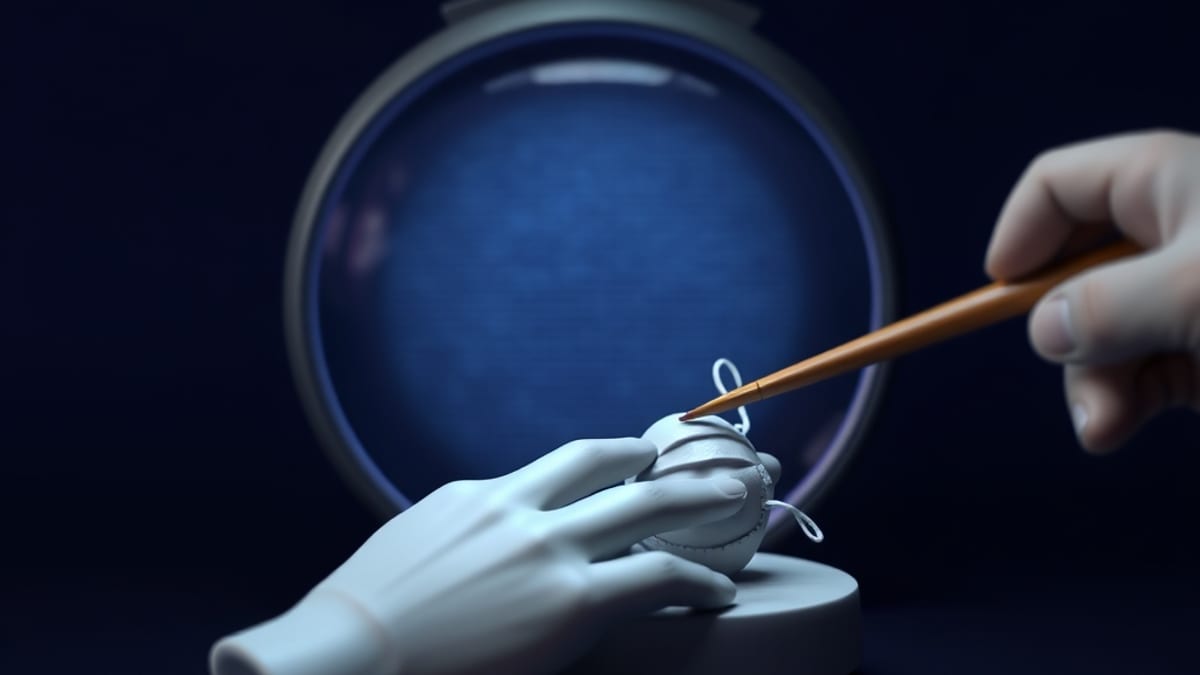
Hands and faces fail because they are small, high-detail areas where the model has to get many precise parts right at once, so the practical fixes are all about giving the model fewer hard decisions and giving yourself an easy way to patch the ones it still gets wrong.
Start with resolution, because it changes the math. Most generators work on a fixed pixel grid, and a hand that occupies 40 pixels across simply does not have room for five fingers and a thumb. If you generate at a larger size and then downscale to your final dimensions, each finger gets more pixels to be drawn with, and the small errors blur into something that reads as correct.
The same logic applies to faces: a full-body shot gives the face maybe 60 pixels, which is why distant faces look waxy. Generate the wide shot, then either generate a separate close-up and composite it, or use an upscaling pass before you judge the face. A useful rule of thumb is that if you cannot clearly count the fingers at 100 percent zoom, you are looking at a resolution problem, not a model problem.
Framing is the cheapest fix and the one most people skip. If your prompt involves interlocked fingers, a hand gripping a cup, or a fist wrapped around an object, you are asking for the hardest possible pose. Crop the composition so the hand is partly out of frame, behind a sleeve, or resting flat on a surface.
A flat, open hand seen from the back is dramatically more reliable than a hand holding something. For faces, avoid extreme three-quarter turns and heavy shadows across the eyes; straight-on or slight-profile faces come out far more consistently. This is not cheating. Photographers frame hands out of portraits all the time for exactly the same reason.
When a hand still comes out with six fingers, repair it rather than rerolling the whole image. Here is a concrete procedure. Say you prompted a portrait and the left hand came out with an extra finger.
Open the image in an editor with generative fill, such as Adobe Photoshop, which our AI tool database lists at $20.99 per month for Photoshop alone or $9.99 per month for the Photography Plan that bundles Lightroom. Select a region slightly larger than the hand, type a plain description like "relaxed left hand, five fingers, resting on table," and let it repaint only that area.
If the result clashes with the surrounding style, shrink the selection and repeat, because a smaller patch blends more easily than a large one. Midjourney's Omni Reference feature can help here too, by pulling the visual style of a reference image into the repainted region so the patch does not look pasted on.
The limits matter, and they are real. Some poses remain unreliable no matter what you do: interlocked fingers, hands holding thin objects like pens or chopsticks, and hands overlapping each other are still the most common failure points across every major generator. Repair tools also introduce their own problems.
A repainted hand can show a visible seam where the new pixels meet the old ones, and it can drift in lighting or texture, especially on skin. If your image is going to print at large size, inspect the repaired area at full resolution before you commit. And note that pricing and features shift constantly across these tools, so check the vendor's own page rather than trusting any snapshot, including ours. The workflow that works is boring: generate large, frame conservatively, and patch small.