AI image tools follow your instructions best when you treat a prompt as a structured brief rather than a sentence — name the subject, the style, the composition, and the constraints separately, and change one variable at a time when a result misses.
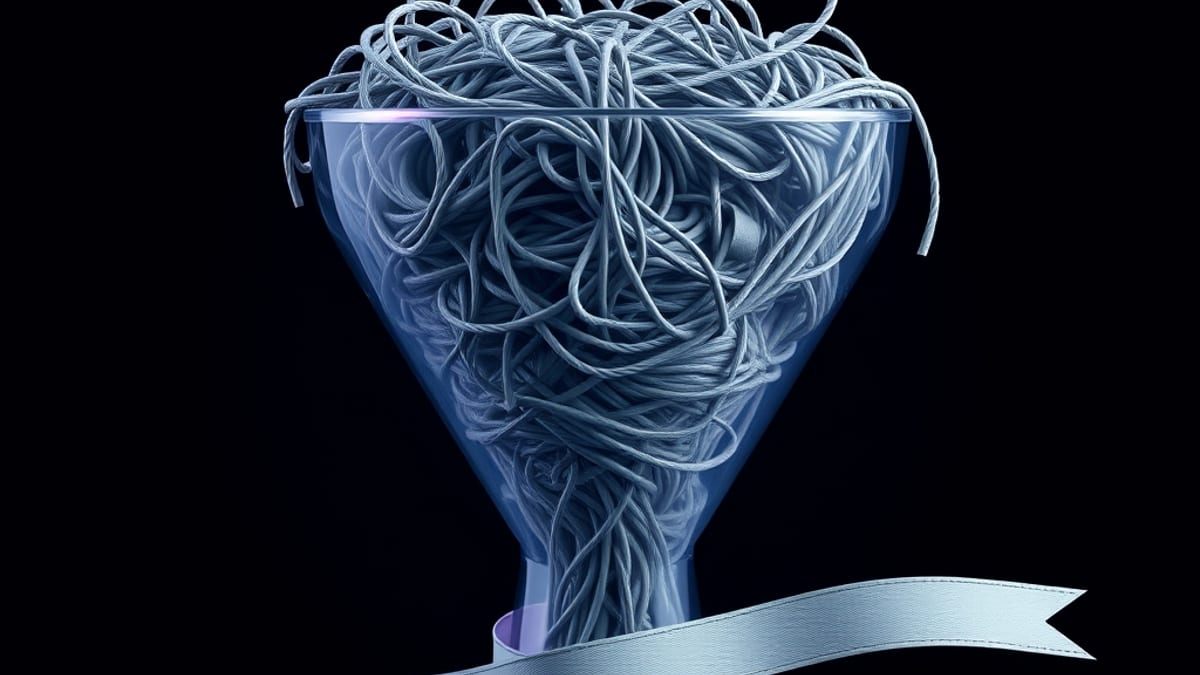
Most people write one long wish-list sentence, the tool averages all of it into mush, and they blame the model. The fix is almost always in how the request is built, not in which tool you picked.
Here's the mechanism behind why this happens. Image models weigh words by how visually concrete they are. "A woman in a red coat" gives the model strong signals — a person, a garment, a color.
"A woman who feels a bit nostalgic but also hopeful" gives it almost nothing visual, so it quietly drops that part and fills the gap with whatever its training leans toward. That's why your prompt seems half-ignored: the model didn't refuse your mood words, it just had no pixels to attach them to.
According to our AI tool database, Midjourney's V7 release added Draft Mode, Omni Reference, Personalization v2, a Niji 7 anime mode, and a V1 Video Model — features that exist precisely because text alone is a clumsy way to control an image. Omni Reference lets you point at an existing image and say "match this," which is far more precise than describing it in words.
Adobe Photoshop takes the opposite approach: its Firefly AI Generative Fill works inside a selection you draw, so you control the region and the model only fills the hole you made. Same underlying problem, two different control surfaces.
A worked example makes this concrete. Say you want a product shot of a ceramic coffee mug on a wooden table, soft morning light, shallow depth of field. A weak prompt is: "nice photo of a mug, cozy vibes, professional."
A stronger one separates the layers: subject ("matte white ceramic mug, no handle visible"), setting ("oak table, plain background"), light ("soft window light from the left, gentle shadow"), and camera ("shallow depth of field, 50mm look"). If the first attempt gets the mug right but the light wrong, change only the light line.
Changing everything at once tells you nothing about what worked. In Photoshop, the equivalent move is masking the mug and using Generative Fill only on the background, so the object you already like never gets regenerated. That single habit — isolate the variable — saves more time than any prompt trick.
Now the honest limits. Prompt structure cannot fix a model that simply lacks a concept, and it cannot guarantee text inside an image renders correctly; lettering is still a common failure across image generators. Reference-based control has its own cost: Omni Reference and similar features tend to lock you into the source image's pose and lighting, so they're great for consistency across a series and bad for exploring something new.
Pricing is a real constraint too — our database records Midjourney at Basic $10/mo, Standard $30/mo, and Pro $60/mo, while Photoshop alone runs $20.99/mo and the Photography Plan with Lightroom plus Photoshop is $9.99/mo. If you only need occasional background swaps, the cheaper Photoshop tier covers it; if you're generating original art at volume, Midjourney's tiers make more sense.
These prices change, so check the vendor's page before subscribing. One last tip: keep a plain text file of prompts that worked, with the exact wording, because a prompt that nailed your lighting is worth more than any tutorial you'll read.