An AI model is the trained mathematical pattern-matching system that sits behind an AI tool — it is the engine, not the app you type into, and when a company says it released a new version, it means they retrained or rebuilt that engine with different data, more computing power, or a different design.
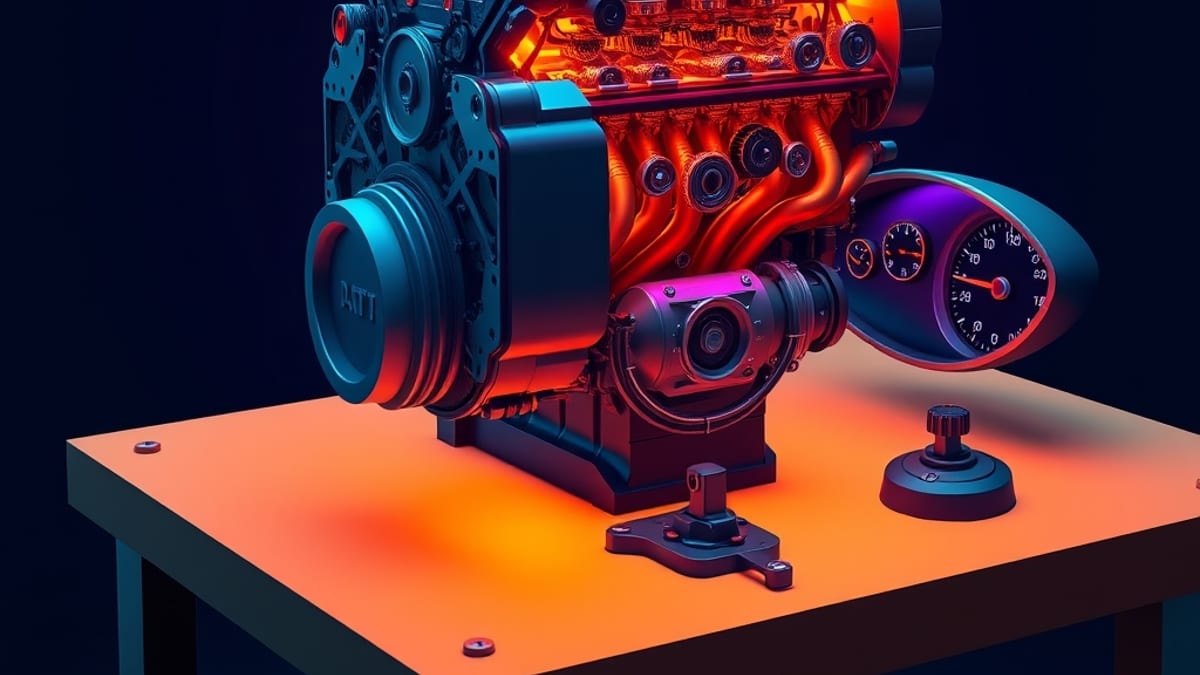
When you open ChatGPT, Midjourney, or Adobe Photoshop and click a button, you are not talking to the model directly. You are talking to an interface that sends your request to the model, which then produces an output. Think of it like a car: the model is the engine, the app is the dashboard, and the version number is the model year. A 2026 engine and a 2023 engine can look identical from the driver's seat while behaving very differently on the road.
The reason versions matter so much comes down to how models are made. A model is not programmed line by line like traditional software. Instead, it is shown enormous amounts of examples — text, images, code, audio — and it adjusts millions or billions of internal settings until its predictions get better.
Those settings are called parameters, and the training process is what fills them in. This is why a new version is not a patch or a bug fix. It is closer to a new employee who studied a different curriculum.
According to the AI-Mind AI Tool Database, Midjourney's current generation is V7, and its feature list includes Draft Mode, Omni Reference, Personalization v2, a Niji 7 anime mode, and a V1 Video Model. Each of those is a capability baked into that version. If you were using an older Midjourney release, you simply would not have them, no matter how you typed your prompt. That is the practical meaning of a version bump.
Versions also explain why two people can get wildly different results from what sounds like the same tool. Suppose you ask for a product photo of a ceramic mug on a wooden table. On one version of an image model you might get soft, painterly lighting; on the next version the same words might produce something sharper and more photographic.
Nothing about your prompt changed. The model did. This is also why advice you read online can go stale fast.
A tip written for one version may not transfer to the next, and a limitation someone complained about in 2024 may already be fixed. When you see people arguing about whether an AI tool is good, they are often arguing about different versions without realizing it.
A useful way to keep your bearings is to separate three layers in your head. The first layer is the model — the trained engine, identified by a version name or number. The second is the product — the app, website, or plugin you actually use, which may quietly swap models or let you choose between several.
The third is your input — the prompt, image, or file you supply. Most confusion happens when people blame layer three for something caused by layer one. If your results suddenly change and you did not change your prompt, the model probably changed underneath you.
A good habit is to check the release notes or the version selector before you assume you did something wrong. Some tools let you pin an older version for consistency, which is genuinely useful when you need repeatable output for a client project.
One more thing worth knowing: bigger and newer does not automatically mean better for your task. A newer model is often more capable overall, but it can also be slower, more expensive, or more prone to adding details you did not ask for. Smaller, older models sometimes follow narrow instructions more literally.
The AI-Mind AI Tool Database tracks tools with a pricing and capability snapshot recorded at verification time, and the most recent verification date is 2026-09-18 — a reminder that any snapshot ages. If you are choosing between versions, test them on your actual work rather than on a demo.
Run the same three real prompts through both and compare. That beats any benchmark chart, because your task is the only benchmark that matters to you.